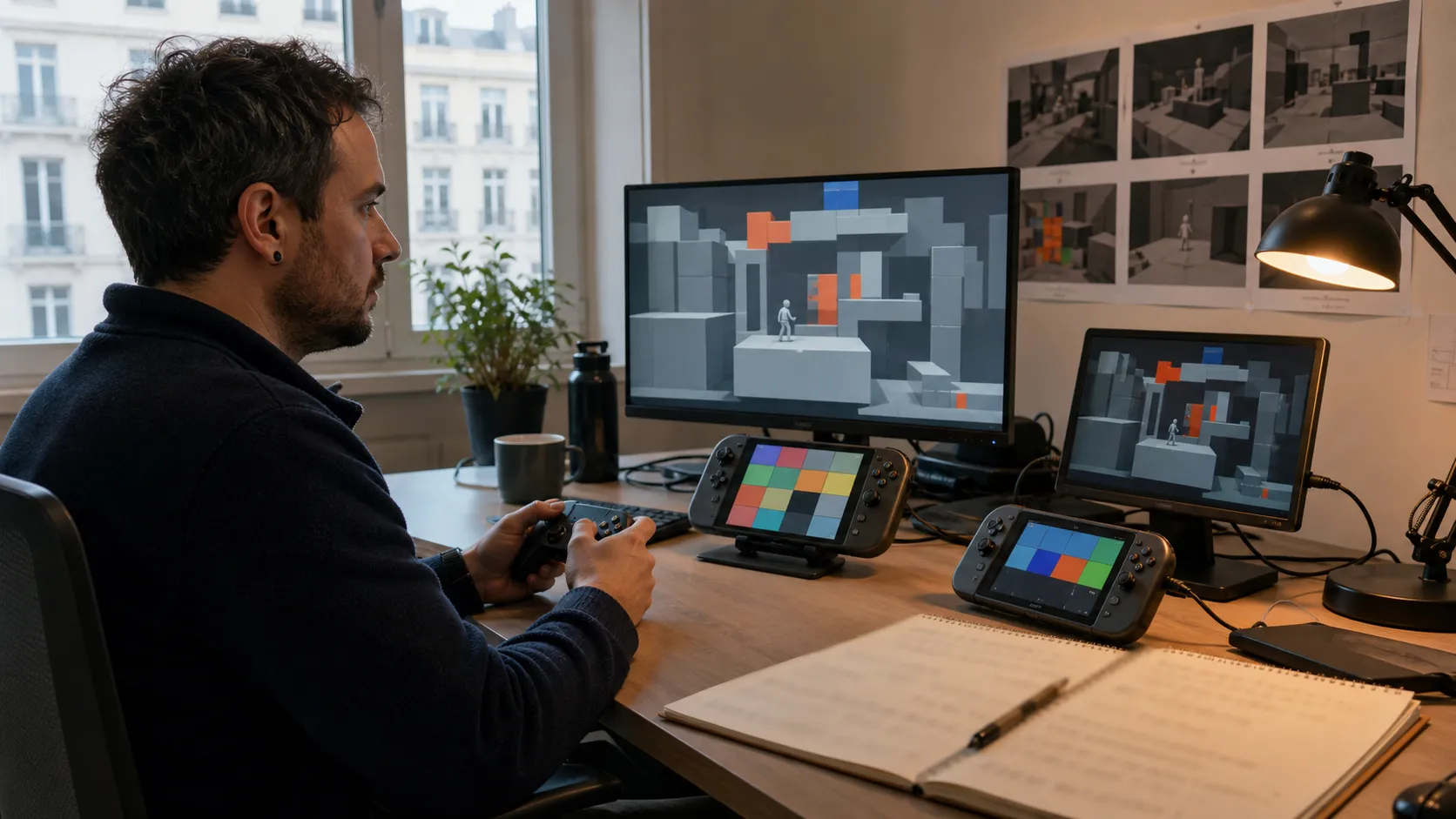
The main types of game testing are functional, exploratory, regression, compatibility, performance, usability, accessibility, localization, security and platform compliance testing. A useful QA strategy does not run every test with equal depth on every build. It selects coverage from player impact, feature change, supported configurations and the decision the build must support, then records enough evidence for the team to act.
Types of game testing by risk and production stage
Test categories are helpful only when they change what the team does. For each feature or milestone, define the failure that matters, the environment in which it could appear, the method most likely to expose it and the person who will make the resulting decision.
A compact risk statement can use this form: “If this system fails under this condition, the player or project experiences this consequence.” That sentence guides severity, coverage and reproduction evidence more reliably than an abstract instruction to test everything.
| Testing type | Primary question | Typical evidence |
|---|---|---|
| Functional | Does the feature behave according to its rules? | Test cases, state captures, defect reports |
| Exploratory | What breaks when a tester investigates beyond scripted paths? | Session charter, notes, clips, new risks |
| Regression | Did a change damage behavior that previously worked? | Repeatable suite, comparison, pass history |
| Compatibility | Does the game work across supported hardware and software? | Configuration matrix and environment-specific findings |
| Performance | Does the game remain within frame, memory and loading budgets? | Profiles, traces, captures and scene conditions |
| Usability and accessibility | Can intended players understand and operate the experience? | Observation, task outcome, barrier report |
| Localization | Does translated content remain correct and usable in context? | Language build review, screenshots, terminology checks |
| Compliance | Does the release satisfy platform requirements and policies? | Requirement mapping, verification record, submission status |
1. Functional testing
Functional game testing checks whether mechanics, menus, progression, saves, economy, AI and connected systems follow their intended rules. Good functional tests name setup, actions, expected outcomes, build version and environment. They include boundary and failure states, not only a successful path.
Prioritize critical player journeys and systems that can corrupt progress, block completion or affect transactions. A feature specification can seed the cases, but the current build remains the object under test. When the design changes, update both the expectation and any automated or manual coverage attached to it.
2. Exploratory testing
Exploratory testing gives a tester a focused charter and room to investigate. A session might probe unusual inventory transitions, interrupt online actions or combine abilities that were developed separately. The tester learns from the build and adjusts the next action instead of following a fixed script.
Keep sessions bounded by feature, risk, time and environment. Record the path that produced a finding and the questions raised even when no defect is confirmed. Exploratory work is particularly useful after a feature becomes playable, after a significant refactor and when the team suspects an interaction that existing cases do not cover.
3. Regression testing
Regression testing protects working behavior from new changes. The suite should be risk-weighted: smoke checks for every accepted build, focused regression around changed systems, and broader coverage before major milestones. Running the largest possible suite is not automatically better if failures are unstable or nobody can review them promptly.
Automation is effective for deterministic, repeatable checks such as startup, data validation, core state transitions and selected integration paths. Human testers remain valuable for feel, unexpected interaction and visual context. Treat flaky automated tests as maintenance defects because unreliable signals teach teams to ignore failures.
4. Compatibility and configuration testing
Compatibility testing covers the supported combinations of platform, hardware, operating system, driver, display, input, network and account state. Build the matrix from audience and release commitments. Do not give every configuration identical depth: select representative baselines, known risk clusters and minimum or maximum boundaries.
Record the complete environment with each result. “Crashes on PC” is not actionable; a report should identify build, hardware, software, settings, reproduction path and available logs. For console targets, configuration coverage also intersects with suspend behavior, user changes, storage conditions and platform services.
5. Performance and stability testing
Performance testing measures the game under named conditions. Define frame-time, memory, loading, streaming, network and thermal expectations where relevant. Test representative stress scenes as well as normal play, and capture enough context to reproduce a regression.
Averages can hide player-visible stalls. Review distributions, spikes and sustained degradation. Long sessions may expose leaks or accumulated state that short checks miss. Performance testing should begin when architecture or content choices are still changeable, then continue as assets and systems approach final volume.
6. Usability, playtesting and accessibility testing
These activities overlap but answer different questions. Playtesting studies how people understand, enjoy and respond to the design. Usability testing focuses on whether players can complete intended tasks and interpret feedback. Accessibility testing identifies barriers created by controls, presentation, timing, language or system behavior.
Recruit participants who fit the question. Observe behavior before explaining the interface. Separate a preference from an obstacle and a design issue from a software defect. Accessibility checks should include settings and assistive scenarios throughout production, not as a single audit just before release. Microsoft’s Gaming Accessibility Testing Service guidance provides a public example of structured testing with players with disabilities.
7. Localization testing
Localization testing reviews translated text, audio and cultural adaptation inside the game. It catches truncation, missing glyphs, incorrect variables, line breaks, gender or number errors, inconsistent terminology and text that no longer matches the action on screen.
Prepare pseudo-localized builds early to expose layout and encoding assumptions before final translations arrive. Give linguistic testers context, screenshots, character notes and a terminology source. Test right-to-left behavior or complex scripts when they are part of the supported language plan, including controller navigation and dynamic text assembly.
8. Security, privacy and online testing
Online games require testing around authentication, authorization, session changes, data handling, abuse paths and service failure. The exact security assessment should be designed by qualified specialists and aligned with the architecture and applicable obligations. QA can still make expected failure behavior visible by checking disconnects, timeouts, retries and partial service availability.
Use production-like environments carefully and protect personal or confidential data. Logs and defect attachments should contain only what the team is authorized to collect and share.
9. Platform compliance and certification testing
Platform compliance testing verifies behavior against the target holder’s current requirements and submission process. Requirements may cover accounts, input, messaging, storage, networking, error handling and other platform interactions. Teams with authorized access should use the current official documentation rather than copied public checklists that may be incomplete or outdated.
Map relevant requirements to features and test evidence throughout the port. Waiting until submission turns ordinary fixes into release blockers. The public Microsoft certification guide also emphasizes planning for certification as part of publishing, not as a final cosmetic pass. For the wider adaptation sequence, use the console porting checklist.
Map test coverage to each development stage
Prototype
Test whether the core hypothesis can be evaluated. Use targeted functional checks, playtesting and technical probes. Heavy regression work is rarely useful while the build is intentionally disposable, but crashes or unclear controls can invalidate the learning.
Pre-production
Establish testable feature states, smoke coverage, defect conventions and representative performance scenes. QA should challenge the planned content scale and configuration assumptions. Tie the work to the decision gates in the video game development process.
Production
Expand functional and regression coverage with the build. Add compatibility, localization and performance passes as representative content arrives. Keep testers close to feature teams so defects and design questions reach owners while context is fresh.
Release candidate
Control incoming change, verify blockers, run platform and configuration coverage, and report readiness against explicit criteria. Distinguish an accepted risk from an unverified area. Plan enough time in the game development timeline for fixes and confirmation builds, not just the first pass.
Post-release
Reproduce live issues safely, verify hotfixes and update the regression baseline. Use support and telemetry signals to focus investigation, while recognizing that a correlation in data does not by itself explain the defect.
Build an actionable game QA checklist
- Identify player-critical journeys and irreversible failure states.
- List supported platforms, configurations, languages and input methods.
- Map recent changes to dependent systems and regression risk.
- Assign manual, automated or specialist coverage to each priority risk.
- Define build acceptance, blocker severity and release decision authority.
- Standardize defect evidence: version, environment, steps, result and media.
- Reserve time for triage, fixing, verification and a new build.
- Report coverage gaps and accepted risks alongside pass counts.
If internal capacity cannot cover the matrix, scope external game QA and release support around specific platforms, test types or milestones. Place access, build distribution, data handling, triage and exit requirements inside the broader game development outsourcing plan.
Report release readiness, not test activity
Case counts and bug totals describe work but do not answer whether a build is ready. A useful report shows tested build, intended decision, coverage completed, open blockers, unstable areas, configuration gaps, accepted risks and responsible owners. It also states what changed since the prior report.
The right mix of game testing changes with the build. Keep the taxonomy, but allocate effort through current evidence. That gives founders, publishers and producers a clearer view of product risk than either a long generic checklist or a single pass percentage.